Should you need to change the language in which your AvaMetaTrader platform is displayed, follow these simple steps and select from multiple different languages at your disposal.
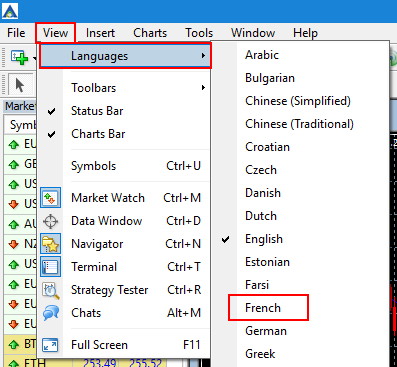
- Click View -> Languages and select the language of your choice.
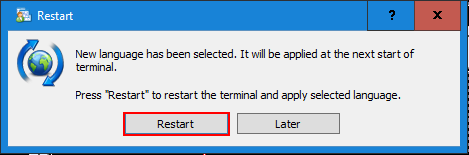
- Then restart your terminal for the change to take effect.
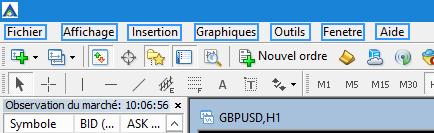
- The Platform will then appear in the newly selected language:
Please note: the initial language is chosen during the set up process.